
1
Upload the song you want to sing
Choose an MP3, WAV, M4A, or another supported audio file. You can also start with a song already saved in My Music.
Step 1
Choose Song
Step 2
Make Karaoke Track
Step 3
Preview & Download
Upload a song to create your first karaoke track. No sign-up required.
Turn a song into a ready-to-sing karaoke track in minutes. Upload your audio, let AI clear the lead vocal, then preview and download the backing track. Your first track is free, no sign-up required.
Three Simple Steps
Upload the song you want to sing, let AI clear the lead vocal, and hear your backing track before you download it.
Choose an MP3, WAV, M4A, or another supported audio file. You can also start with a song already saved in My Music.
SongReelAI separates the singer from the backing music and creates space for your own performance.
Hear the karaoke version before you keep it, then download the backing track for practice, covers, karaoke night, or the stage.
Made To Be Sung
Rehearse at home, record your next cover, bring a favorite to karaoke night, or prepare for the stage.
Rehearse melody, timing, phrasing, and breath control over the music you already know and love.
Record your next cover over a backing track that no longer competes with the original lead singer.
Turn crowd favorites and personal picks into sing-along tracks for parties, friends, and group sessions.
Prepare music for open mics, school performances, rehearsals, and creator sets where your voice should lead.
Use a no-vocal version for singing clips, rehearsal videos, short-form challenges, and performance edits.
Repeat difficult sections, try new phrasing, and build confidence before you record or step in front of an audience.
Built For Singers
Start with your song, make space for your voice, and hear the backing track before you take it to rehearsal, recording, or the stage.
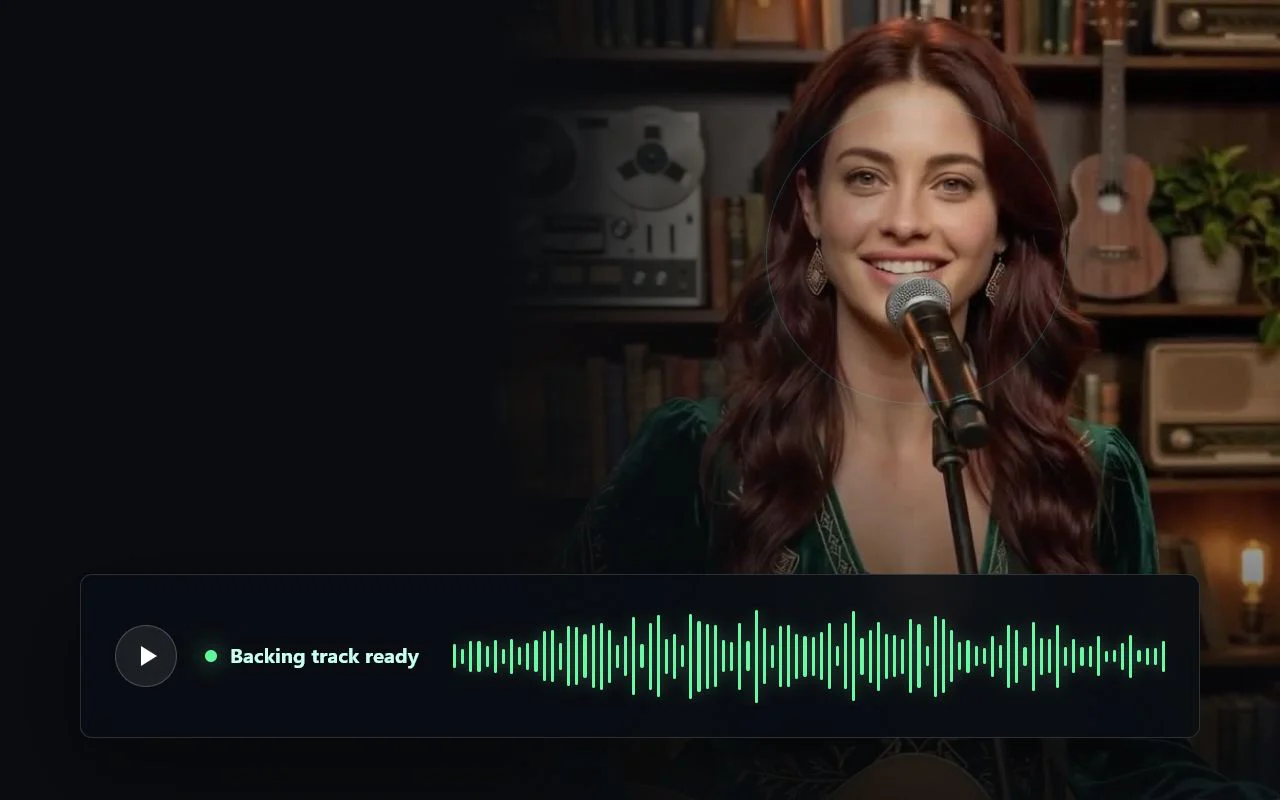
Ready to Sing
Turn a full song into a ready-to-sing backing track that keeps the musical energy while giving your performance the spotlight.
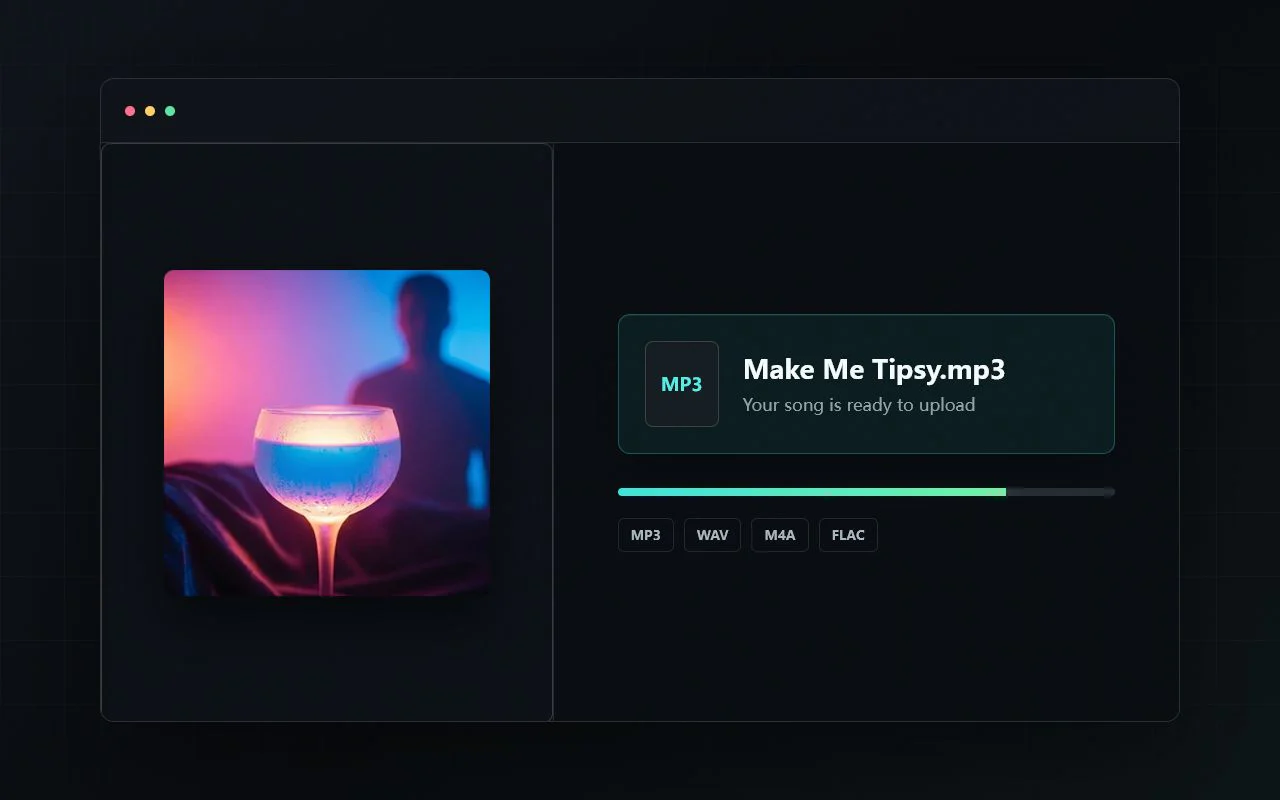
Start With Your Song
Choose a local audio file or pick a song from My Music. Your next rehearsal, cover, or karaoke session starts with one upload.
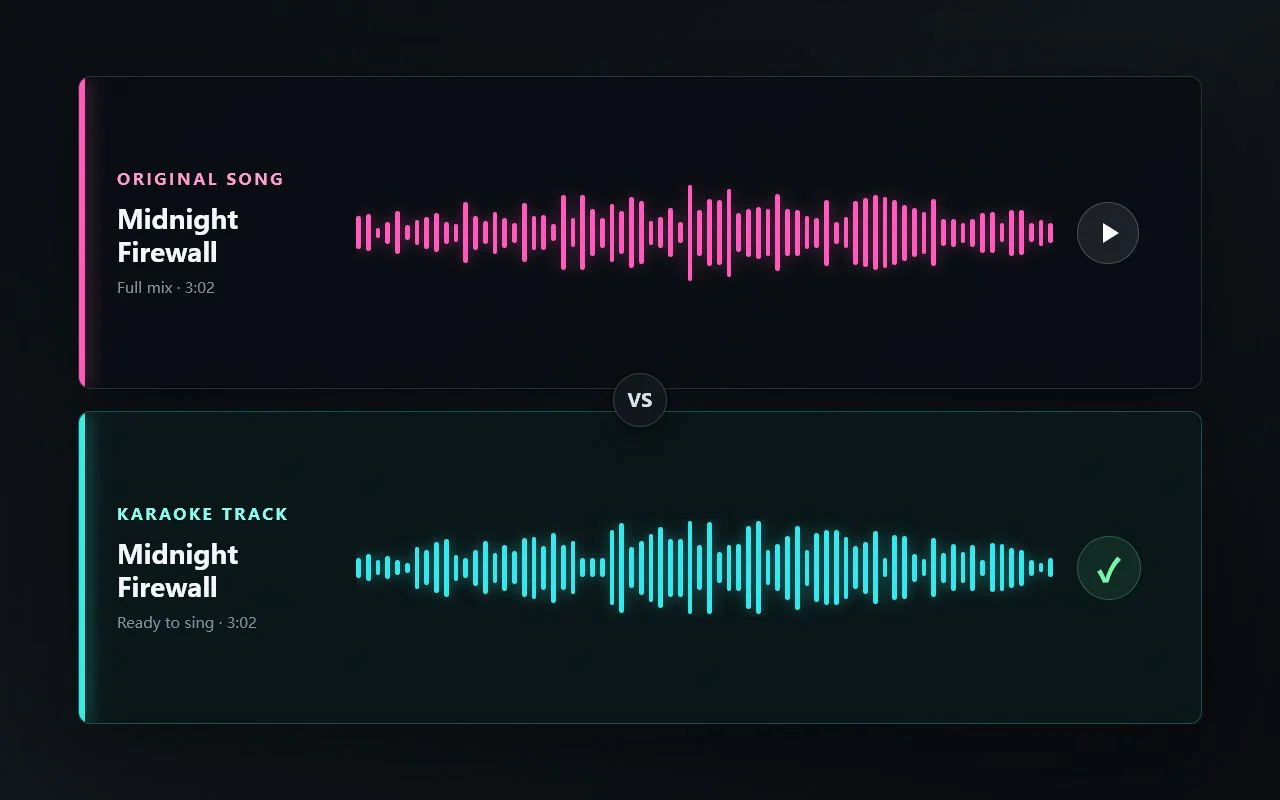
Hear It First
Compare the original and karaoke versions, listen for the moments that matter, and keep the track when it feels ready to sing.
Choose The Right Audio Tool
Choose by outcome: a ready-to-sing backing track, separate vocal and instrumental files, or four stems for production.
For Singing
Choose AI Karaoke Maker when you want to remove lead vocals for practice, covers, karaoke nights, or live performance.
For Two-Track Separation
Choose AI Vocal Remover when you need the singer and instrumental as separate tracks for edits, remixes, or quick reuse.
For Production Control
Choose AI Stem Splitter when you need vocals, drums, bass, and other instruments for sampling, arranging, or production.
Before You Sing
Common questions about making karaoke tracks, removing vocals, MP3 uploads, lyric videos, output quality, and music rights.
An AI Karaoke Maker is an online tool that removes the lead vocal from a song and creates a no-vocal instrumental version for singing. SongReelAI uses AI vocal separation to help turn a source track into a karaoke backing track you can preview and download.
Upload an audio file or choose a saved song from My Music, run Karaoke Maker, then preview the separated vocals and no-vocal backing track. When the result sounds right, download the karaoke track for practice, covers, or performance prep.
Yes. You can upload supported audio files such as MP3 and use SongReelAI to remove vocals and create an instrumental karaoke version. Cleaner, higher-quality source files usually produce cleaner backing tracks.
They use similar AI source-separation technology, but the goal is different. AI Vocal Remover is a general tool for vocals, instrumentals, remixing, sampling, and stem work. AI Karaoke Maker is focused on creating sing-along backing tracks for practice, covers, karaoke nights, and live performance.
This page focuses on creating audio karaoke backing tracks by removing vocals. You can use the downloaded instrumental in a video editor or continue with SongReelAI music video workflows when you want to build a visual version around the track.
Results depend on the source mix. Songs with clear lead vocals and balanced instrumentation usually separate better, while dense mixes, heavy reverb, crowd noise, or layered background vocals may leave light artifacts or vocal bleed.
Only upload and use music you have the right to process. Removing vocals or creating a karaoke backing track does not give you ownership of someone else's song or permission to publish, monetize, or redistribute it.
Ready To Sing
Create your first karaoke track free. Upload a song, remove the lead vocal with AI, and start singing over the backing track in minutes. No sign-up required.