
Vocals
Separate lead vocals for remixes and edits
Extract vocal ideas from a finished track so hooks, ad-libs, phrases, and toplines are easier to preview, cut, and reuse in a new creative session.
Step 1
Choose Source
Step 2
Choose Mode
Step 3
Preview & Download
Split songs into vocals, drums, bass, and other stems for remixing, sampling, edits, and music production.
Stem Splitter Outputs
Use the same source audio online and turn it into practical stem tracks for remixing, sampling, editing, and production review.
Vocals
Extract vocal ideas from a finished track so hooks, ad-libs, phrases, and toplines are easier to preview, cut, and reuse in a new creative session.
Drums
Use drum stems to study groove, build transitions, test edits, or isolate the percussive energy of a song without rebuilding the whole track.
Bass
Separate bass so you can inspect the foundation of the song, make cleaner reference edits, or understand how the low end supports the arrangement.
Other
Collect guitars, keys, synths, pads, and other musical layers into a separate stem for faster arrangement review and remix preparation.
Stem Splitter Guide
Upload a track, choose 4-Stem Split in the workspace, then review the separated vocals, drums, bass, and other stems before downloading.
Start online with a local audio file or choose a finished track from My Music when you want to split a song that is already in your SongReelAI library.
Select the stem splitting mode to separate the song into vocals, drums, bass, and other, or use the simpler vocal removal mode when you only need vocals and instrumental.
Let SongReelAI process the source audio and create separated stems that are easier to review, compare, download, and use in follow-up production work.
Listen to the original track beside the separated results, then download only the stem tracks you want to keep for your remix, edit, sample, or backing track.
Creative Workflows
AI Stem Splitter gives creators more control over a finished track without needing the original project files.
Remix Prep
Split a full mix into practical stems before building mashups, transitions, alternate drops, DJ edits, and new arrangement ideas.
Sampling
Pull vocals, rhythm, bass, or musical layers into separate references so sample choices are easier to audition before you commit to an idea.
Production Review
Hear how vocals, drums, bass, and other instruments interact, then use the separated tracks to plan edits, cleanup, or follow-up production decisions.
Content Edits
Prepare cleaner audio layers for shorts, reels, trailers, lyric clips, and rough cuts when the full mix gives you less control than you need.
Source Separation Workspace
AI Stem Splitter keeps upload, splitting, review, and download in one place so you can move from a finished song to usable separated tracks faster.
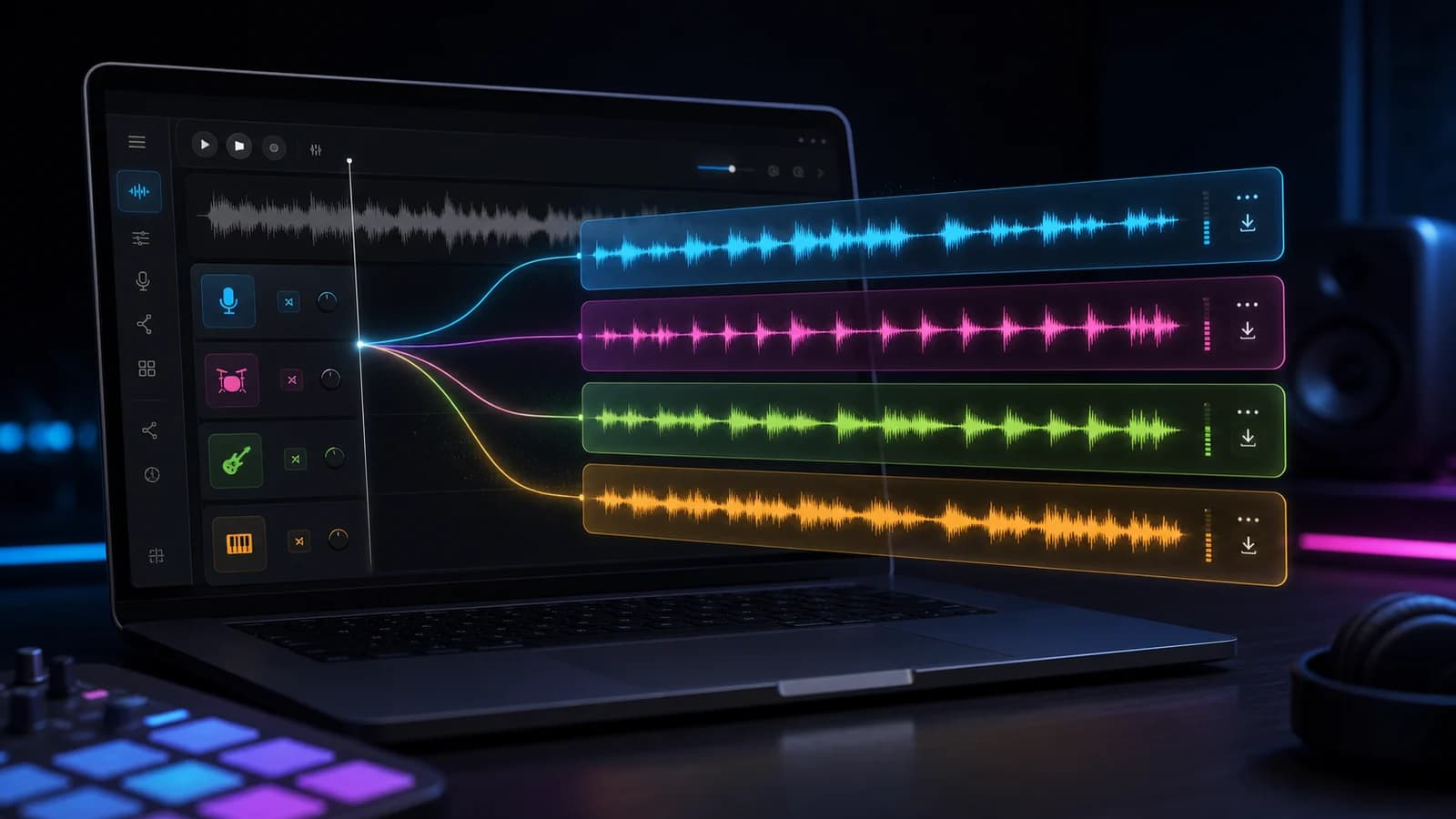
4-stem workflow
Use AI Stem Splitter when a single stereo file is not flexible enough. Separate vocals, drums, bass, and other musical parts so the song becomes easier to inspect, remix, sample, and reshape.
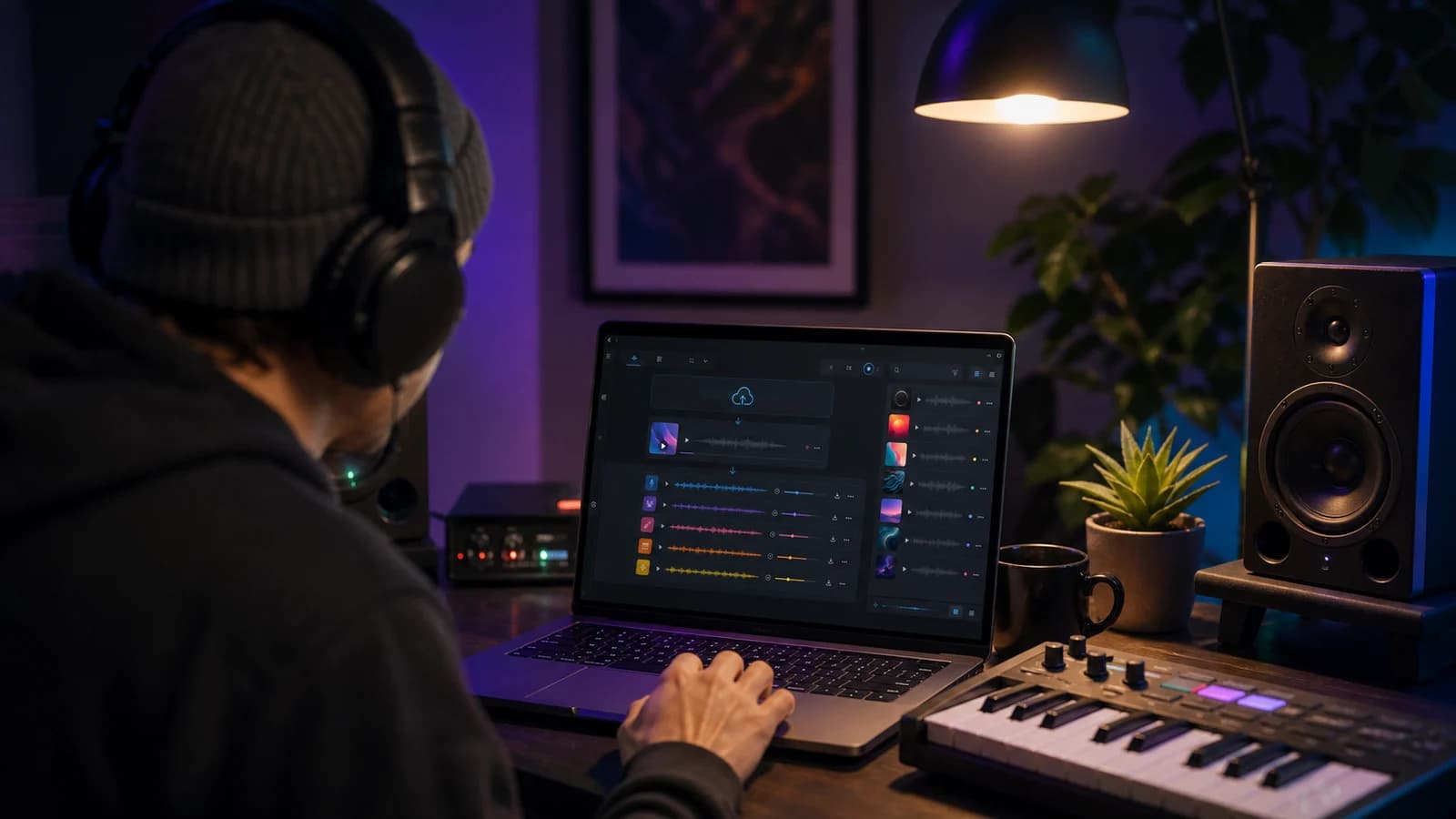
Flexible sources
Upload a one-off file when you need a quick online split, or reopen a saved song from My Music when the source already lives in your workspace. AI Stem Splitter keeps both paths in the same review flow.
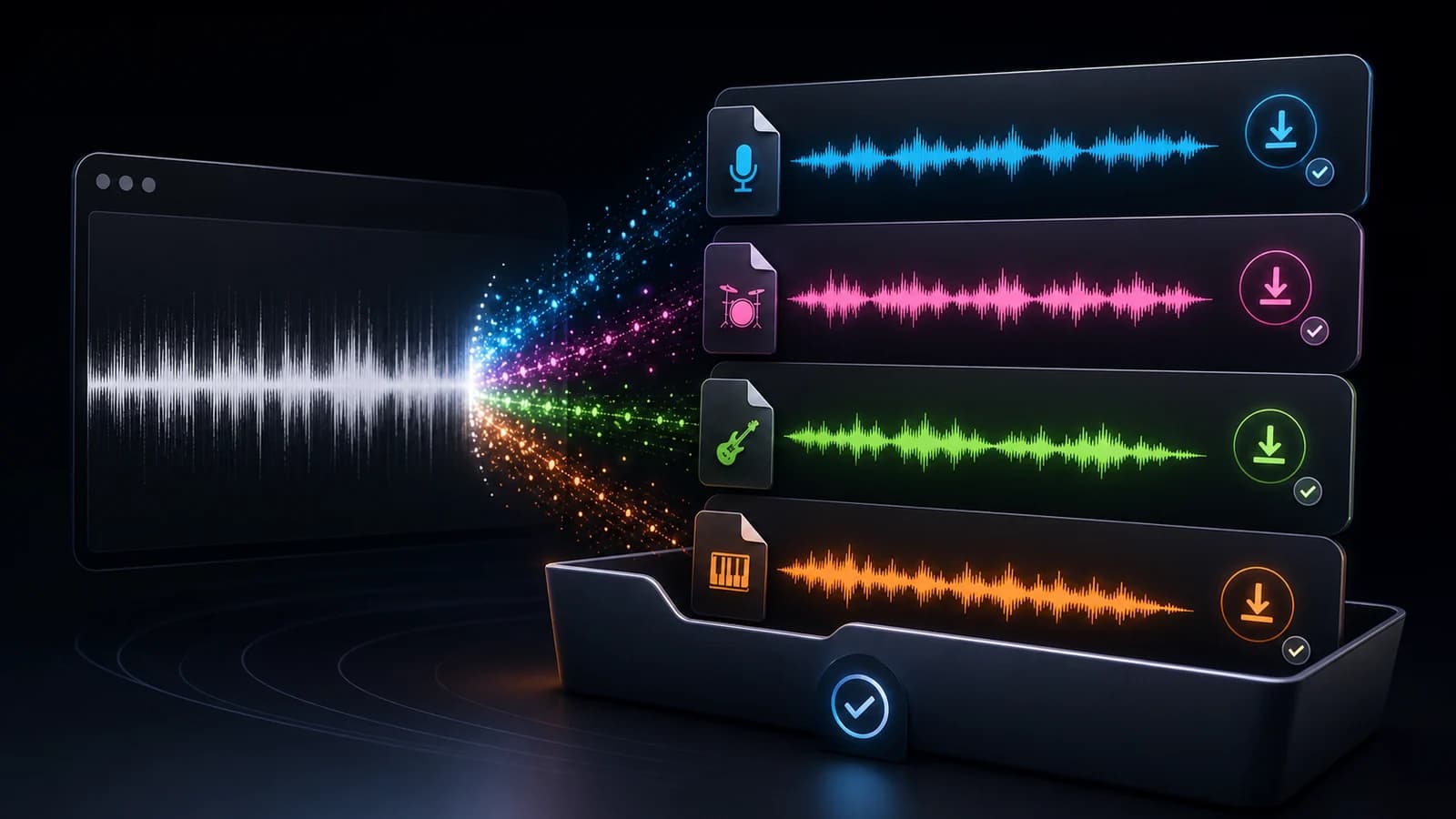
Review before download
Preview the source audio and the separated outputs in one workspace. This makes it easier to decide which stems are useful before downloading files into another editor or DAW.
Choose The Right Audio Tool
Choose by outcome: a ready-to-sing backing track, separate vocal and instrumental files, or four stems for production.
For Singing
Choose AI Karaoke Maker when you want to remove lead vocals for practice, covers, karaoke nights, or live performance.
For Two-Track Separation
Choose AI Vocal Remover when you need the singer and instrumental as separate tracks for edits, remixes, or quick reuse.
For Production Control
Choose AI Stem Splitter when you need vocals, drums, bass, and other instruments for sampling, arranging, or production.
Stem Splitter Questions
Common questions about stem outputs, credits, downloads, accuracy, and how 4-Stem Split compares with Vocal Remover.
AI Stem Splitter is an online source-separation tool that helps split a finished song into separate audio stems. In SongReelAI, the 4-Stem Split mode can separate vocals, drums, bass, and other parts so the track is easier to remix, sample, edit, or study.
Yes. SongReelAI gives new users starter credits, so you can try the free online stem splitting workflow before choosing a paid plan. After signing in, upload a song or choose one from My Music, then run 4-Stem Split from the workspace.
AI Stem Splitter creates vocals, drums, bass, and other stems in 4-Stem Split mode. The other stem usually contains the remaining musical parts, such as guitars, keys, synths, pads, and additional instruments that are not isolated as drums or bass.
AI Stem Splitter gives you more separated parts: vocals, drums, bass, and other. Vocal Remover is simpler and is best when you only need vocals plus an instrumental version. If your workflow is remixing, sampling, or production review, 4-Stem Split is usually the better starting point.
Stem quality depends on the source mix, arrangement, effects, compression, and how much different instruments overlap. Clean, balanced tracks usually separate better, while dense mixes may still have bleed or artifacts in some sections.
Yes. After processing finishes, the workspace lets you preview the separated outputs and download the available stems you want to keep.
The tool may be able to process a song you upload, but splitting a copyrighted recording does not grant you ownership or permission to reuse it. Only upload and use music you have the rights to process, especially for public, commercial, or monetized projects.
Ready To Split Stems
Try AI Stem Splitter as a free online stem splitter, choose 4-Stem Split, and create vocals, drums, bass, and other stems you can preview and download from the same workspace.