
1
Upload audio or choose a song
Upload any supported audio file or pick a saved track from My Music to start with the exact song you want to remove vocals from or split into stems.
Step 1
Choose Source
Step 2
Choose Mode
Step 3
Preview & Download
Create clean instrumentals or separate vocals from music into usable stems for karaoke, remixing, sampling, and music production.
AI Vocal Remover Guide
Upload a song, choose Vocal Remover or 4-Stem Split, then use this vocal separator to remove vocals from a song, create clean instrumentals, or split tracks into usable stems.
Upload any supported audio file or pick a saved track from My Music to start with the exact song you want to remove vocals from or split into stems.
Use Vocal Remover to remove vocals from a song and create a clean instrumental, or choose 4-Stem Split to separate vocals, drums, bass, and other stems.
Run advanced AI stem separation and let the tool turn your song into clean vocals, instrumentals, or 4-stem results for remixing, karaoke, and production.
Listen to the original song and the separated results, then download the vocals, instrumental, or 4 stems you want to keep.
Vocal Remover Use Cases
From karaoke and live performance to remixing, sampling, content editing, and production, these are the workflows this tool fits best.
Remove lead vocals to create a cleaner instrumental for rehearsals, karaoke takes, and easy sing-along versions without hunting for a separate backing track.
Build cleaner backing tracks for live performance, keep the key musical parts in place, and get songs stage-ready with less last-minute editing.
Extract vocals for hooks, mashups, and transitions, or use 4-Stem Split when you want more control over drums, bass, and other parts for a stronger remix workflow.
Download vocals, instrumentals, or separated stems you can reuse for loops, chops, flips, and beat making when you want cleaner source material to build from.
Create lyric-free background tracks for reels, shorts, and edits, or isolate vocals when the voice needs to hit harder in social clips and promo content.
Compare the original track with the split results, keep only the parts you need, and move faster into arrangement review, cleanup, and production-ready stem work.
Stem Separation Workflow
More than a basic vocal remover, SongReelAI's free AI vocal remover doubles as a vocal separator, helping you remove vocals from a song, split finished tracks into remix-ready stems, and get results you can use right away.
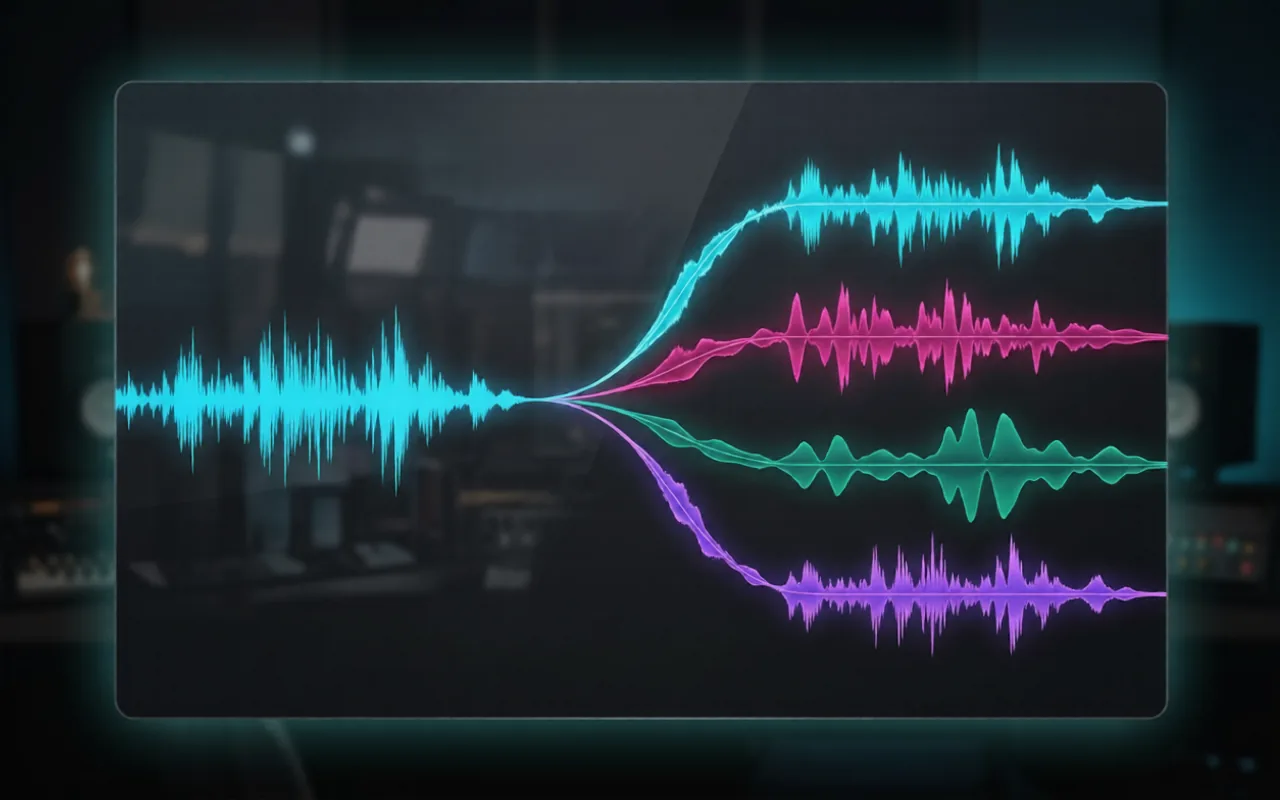
Flexible starting points
Upload a file when you need a quick one-off split, or reopen a saved track from My Music when you are returning to an existing project. Either way, you can move straight from source song to vocal removal or stem separation without rebuilding your workflow.

Clean, usable outputs
Create a cleaner instrumental with Vocal Remover, or use the vocal separator to pull 4 stems when a project needs vocals, drums, bass, and other parts separated. The outputs are made to be useful for karaoke tracks, remix ideas, sampling sessions, and real production work.
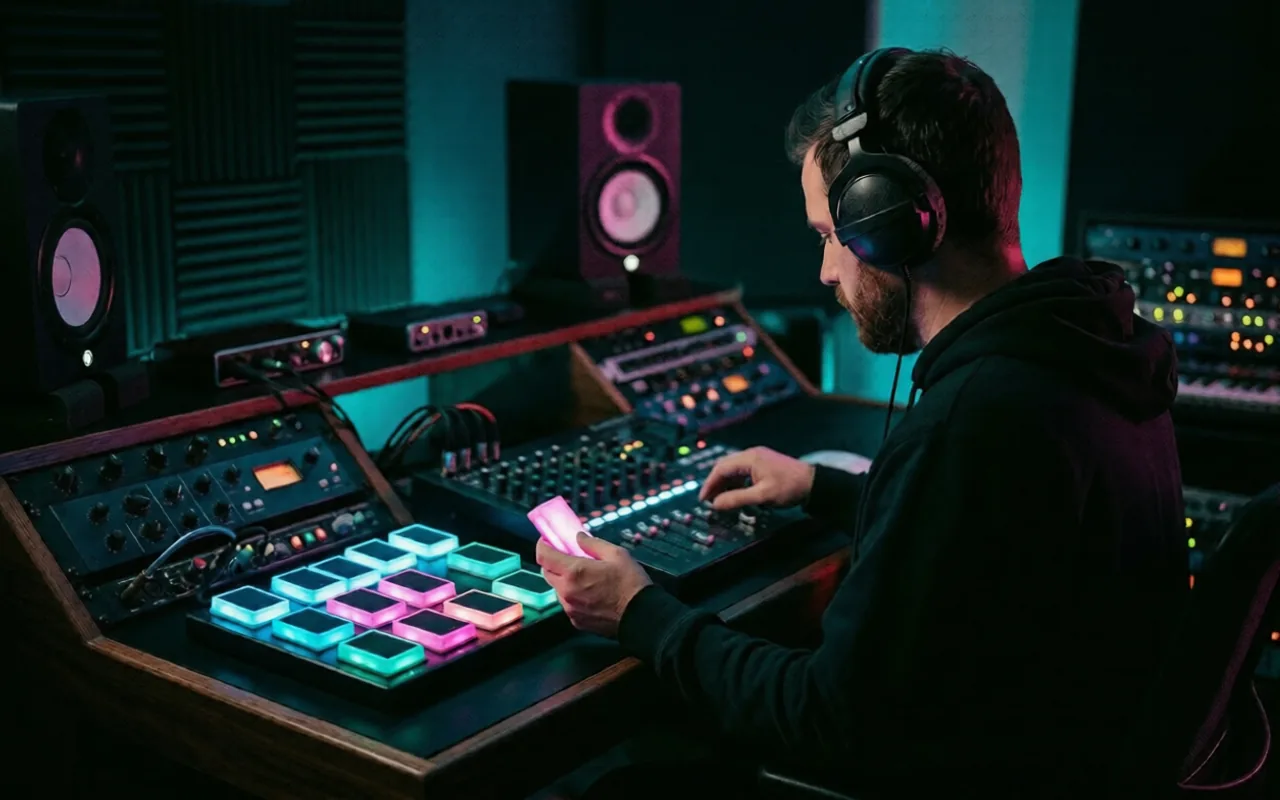
Faster review and selection
Listen to the original song and separated results in the same workspace, compare what changed, and make a faster call on what is worth keeping. When the split sounds right, keep only the vocals, instrumental, or stems you actually need for the next step.

Built for follow-up workflows
This tool is built for the work that starts after a song already exists, from backing tracks and rough edits to mashups, sampling, and pre-production cleanup. Instead of ending with a rough export, you get cleaner audio that is easier to use in the workflow that comes next.
Choose The Right Audio Tool
Choose by outcome: a ready-to-sing backing track, separate vocal and instrumental files, or four stems for production.
For Singing
Choose AI Karaoke Maker when you want to remove lead vocals for practice, covers, karaoke nights, or live performance.
For Two-Track Separation
Choose AI Vocal Remover when you need the singer and instrumental as separate tracks for edits, remixes, or quick reuse.
For Production Control
Choose AI Stem Splitter when you need vocals, drums, bass, and other instruments for sampling, arranging, or production.
Vocal Remover Questions
Common questions about uploads, credits, outputs, and how Vocal Remover and 4-Stem Split work.
AI Vocal Remover is an online source-separation tool that helps you remove vocals from a song or split a track into multiple stems. On this page, you can use Vocal Remover to create a vocal track and an instrumental version, or choose 4-Stem Split to separate the song into vocals, drums, bass, and other. It is designed for practical follow-up work like karaoke tracks, remix prep, sampling, editing, and production.
Yes. SongReelAI gives new users starter credits, so you can try AI Vocal Remover free before paying. After signing in, you can upload a song, remove vocals, create clean instrumentals, or split tracks into stems on this page. If you want to keep using AI Vocal Remover after your free trial is used, you can continue by upgrading to a paid plan.
Vocal Remover is the simpler mode. It is best when you want a vocal track plus a clean instrumental version of the song. Stem Splitter works more like a vocal separator, giving you more control by breaking the track into vocals, drums, bass, and other. If your goal is karaoke or a quick instrumental, Vocal Remover is usually enough. If your goal is remixing, sampling, or production work, Stem Splitter is usually the better choice.
AI Vocal Remover can be used on most songs or recordings that contain vocals, including finished tracks, demos, rough mixes, live recordings, backing tracks, and imported songs in supported audio formats. Vocal Separator results are usually strongest when the source audio is clean and well balanced. High-bitrate files and polished mixes tend to separate more cleanly than low-quality, heavily compressed, noisy, or distorted audio.
AI Vocal Remover can produce very strong results on many modern songs, but no source-separation tool is perfect on every track. Vocal Separator accuracy depends on the arrangement, mix quality, vocal effects, stereo width, background vocals, reverb, and how buried the vocal is in the instrumental. Cleaner songs with clear lead vocals usually perform better, while dense mixes may still leave light bleed, artifacts, or imperfect separation in some sections.
Processing time depends on the song length, current queue, and overall service load. Many standard tracks finish within a few minutes, but longer files or busier periods can take more time. The page keeps task status visible so you can check progress, refresh when needed, and return to the results once the split is ready.
Technically, the tool may be able to process a copyrighted song if you can upload it or access it in your workflow. Legally, however, using AI Vocal Remover or Vocal Separator on a copyrighted recording does not give you ownership of that recording or permission to reuse it however you want. You should only upload and process songs you have the right to use, especially if you plan to share, publish, monetize, or redistribute the results.
Your uploaded audio is used to run the separation process and return results inside your SongReelAI workspace. SongReelAI uses account-based access and standard security practices to help protect files you process with AI Vocal Remover and Vocal Separator. That said, no cloud service should be treated as completely risk-free, so you should avoid uploading material that is highly sensitive or confidential unless you are comfortable processing it in an online service. For more details, users should also review the Privacy Policy.
Commercial use depends on the rights behind the original song and recording, not just on the fact that the audio was separated with AI. Using AI Vocal Remover does not automatically give you commercial rights to someone else's music, vocals, or stems. If you created the music yourself, own the recording, or have the proper license or permission, commercial use may be allowed. If the song belongs to someone else, you should get the appropriate rights before using the separated outputs in paid, public, or client-facing work.
Ready To Split
Upload any track and let SongReelAI separate the parts in minutes, from clean vocals and instrumentals to 4 ready-to-use stems for karaoke, remixing, and production.