
16:9
Featured Demo
Autumn Street Serenade
Cinematic outdoor performance demo
Performer
Character Prompt
Output
Resolution
Generate after the source clip, performer, and prompt feel ready.
Create short-form performance videos that feel ready for releases, teasers, and social posts.

Source Image
InputGenerated MV
16:9AI Music Video Showcase
See how SongReelAI's AI Music Video Generator helps bring tracks to life with performance-driven videos built for modern music promotion.
Featured Demo
Cinematic outdoor performance demo
Vertical Demo
Short-form singer performance demo
Character Demo
Stylized character music video demo
Portrait Demo
Portrait-style music video demo
AI Music Video Workflow
Follow four simple steps to turn a finished song into a share-ready AI music video for releases, teasers, and social posts.
Upload a track or pick a saved song from My Creations to start with music that is ready to promote.
Choose the 5-20 second moment you want to turn into video. Short songs can use the full clip automatically.
Choose a preset character or upload your own image, then refine the performance prompt when you want more control.
Pick 720p or 1080p, generate your music video, then preview, save, and reopen stronger drafts later.
Current clip workflow: 5-20 seconds per selected segment. Credits are calculated per 10-second block and vary by output resolution.
Built For Short-Form MV Creation
Built for artists, creators, and teams who need more than a rough demo render. This workflow helps you turn finished tracks into short-form visuals that feel intentional enough to post, tease, and test.
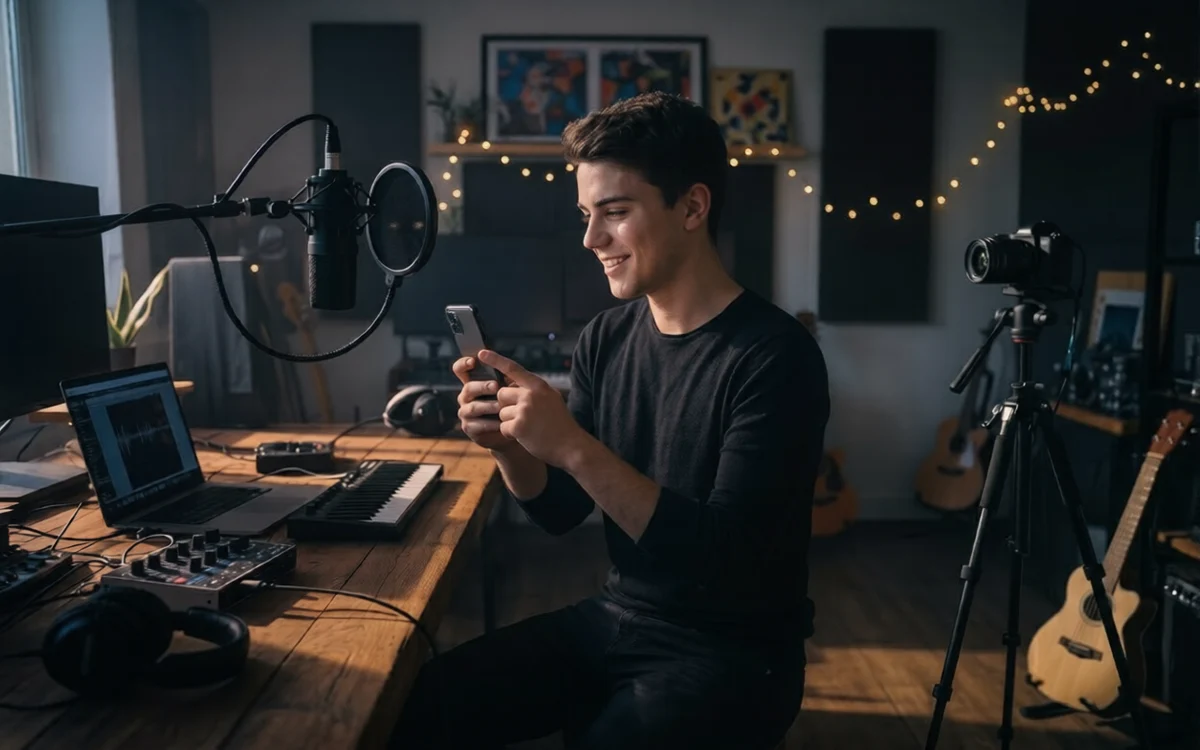
Social Promotion
Create short-form music visuals for TikTok, Reels, and Shorts with SongReelAI's AI Music Video Generator. Turn finished songs into performance-driven social content that feels ready to post, promote, and reuse across every release.
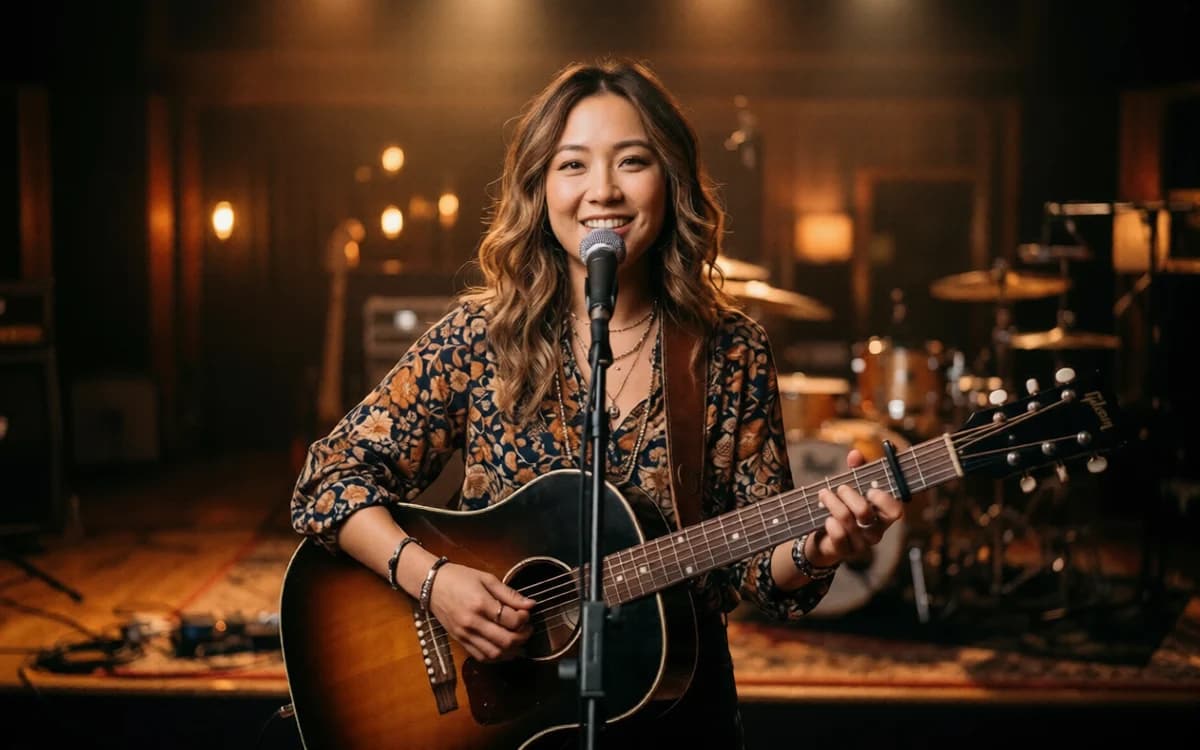
Artist Promotion
Build performer-led videos that help singles, covers, and campaigns feel more polished and promotable with SongReelAI's AI Music Video Generator. Turn finished songs into artist-facing visuals that feel more intentional, more branded, and more ready to support every release.
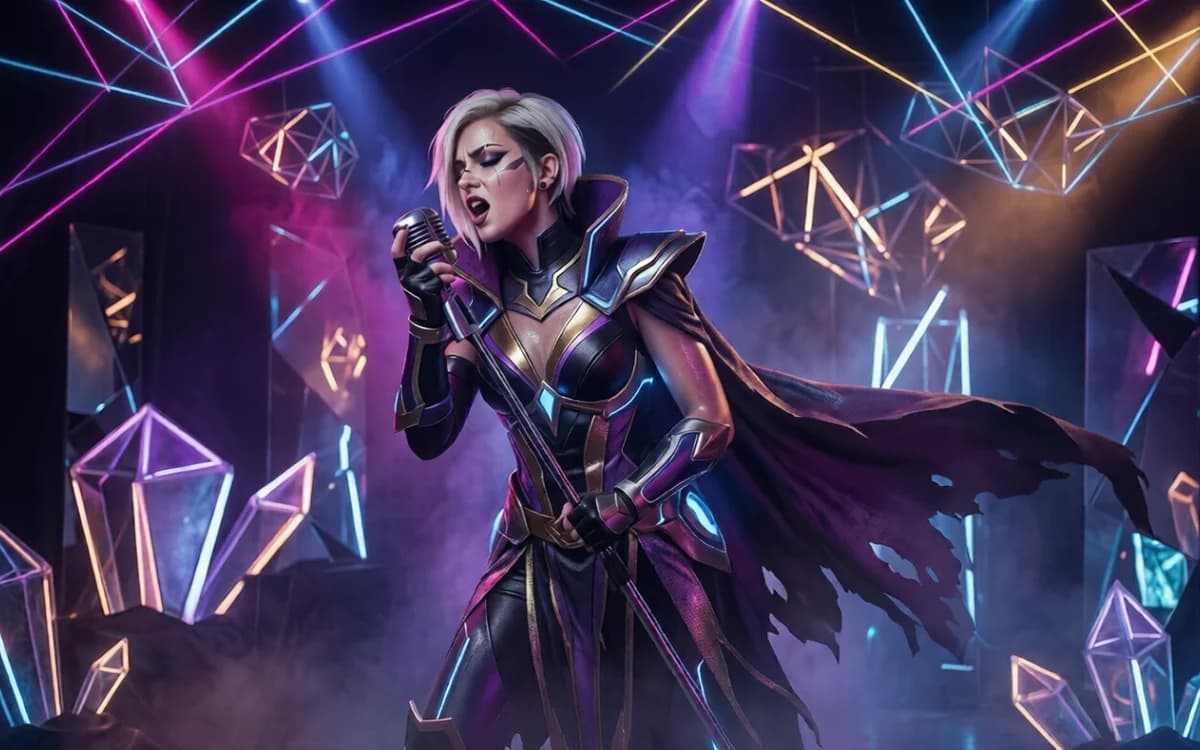
Character Videos
Use custom or preset characters to create stylized performance clips for concepts, demos, and branded content with SongReelAI's AI Music Video Generator. Build character-led visuals that feel more directed, more distinctive, and easier to reuse when you want a stronger visual identity across different songs, ideas, or campaigns.
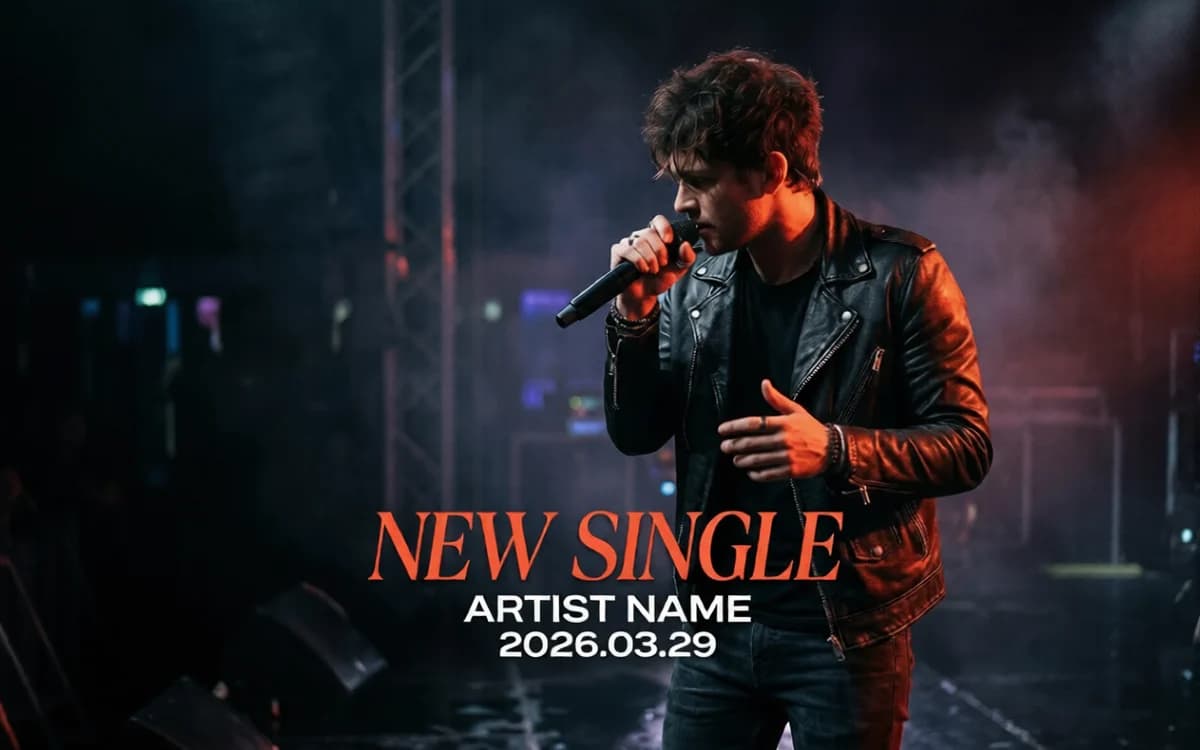
Release Marketing
Turn the strongest moment of a new song into a short video you can post before release day with SongReelAI's AI Music Video Generator. Create teaser-ready visuals that build anticipation, boost visibility, and keep your audience engaged before the full track drops.
AI Music Video Generator FAQ
Common questions about clip selection, performer setup, credits, saved renders, and what the current short-form MV workflow supports.
An AI music video generator helps you turn a song clip into a visual music video draft. In SongReelAI's current workflow, you choose or upload audio, select the section you want to visualize, add a character image, and generate a short performance-style video.
No. The current workflow is built around a selected song segment, not one long uninterrupted full-song render. You can upload audio or choose a saved song, then pick the exact clip you want to turn into video.
SongReelAI's current video generation flow is designed for short, intentional segments. That gives you better control over timing, motion, and framing, and it matches how short-form music video content is usually produced today.
Yes. The video workspace supports choosing audio from My Creations, so you can move from generated songs into video without uploading the track again.
Yes. You can upload your own image or choose from preset character references inside the current video workflow, then shape the performance direction with a character prompt.
Yes, AI music videos can be used in creator and commercial projects when you have the rights to the song, lyrics, images, brands, and any other material you provide. Your exact usage rights follow the license on your current SongReelAI plan, so check plan details and any third-party rights before using a video in paid, public, or client-facing work.
Yes. You can browse the page and review example outputs without signing in, but generating and saving AI music videos currently requires an account and available credits.
Yes. The current video flow supports saved renders, downloads, and loading a previous setup back into the editor so you can keep working from an earlier result.
AI Music Video Generator
Turn finished songs into short-form music videos for releases, teasers, and social posts. SongReelAI helps you create performance-driven visuals you can preview, save, and keep refining.